Switching property management software: the migration checklist
Operators stay on the wrong platform for years because switching feels dangerous. It isn't — if you follow a sequence. Here's what a migration actually moves, when to time it, and how to cut over cleanly.

Ryan J
Co-Founder, PropertyStack · · 14 min read
Contents
Ask an operator how long they've been unhappy with their property management software and the answer usually comes back in years, not months. The platform stopped fitting a long time ago — but the bookings kept arriving, the workarounds kept working, and the switch stayed permanently filed under "next quarter." Staying put feels like the safe choice because the pain is familiar and the risk is not.
That instinct gets the risk backwards. The cost of the wrong platform is real and compounding: hours lost to manual work, month-ends that drag on for days, growth you quietly turn down because the operation can't absorb another property. The migration, by contrast, is a one-time project with a known shape. Operators fear it because it feels like a black box — what happens to the bookings, the calendars, the trust books? — not because it actually is one.
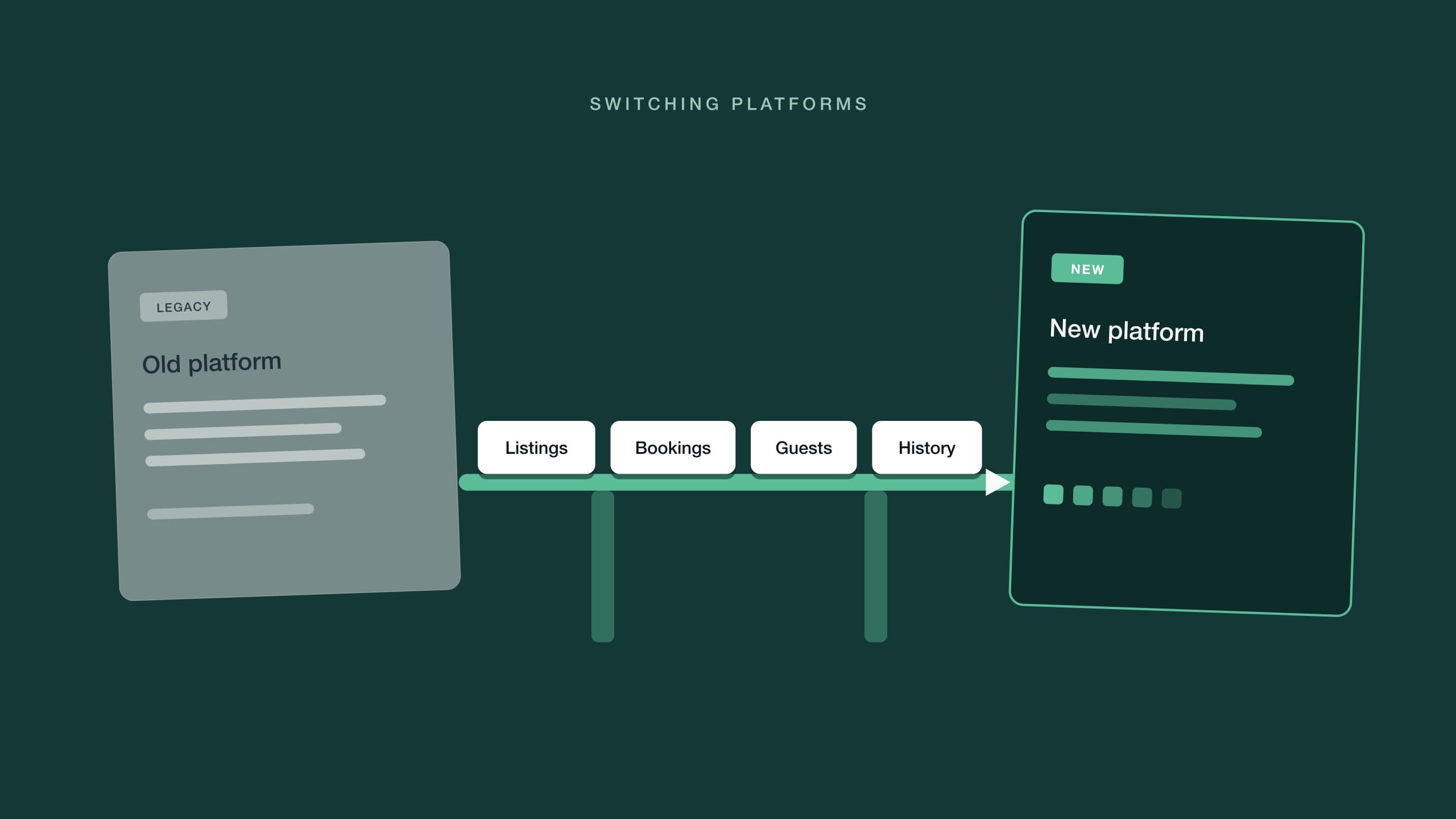
This guide opens the box. It covers how to know when it's genuinely time to move, what a migration actually transfers, when to schedule the cutover, and the six-step sequence that gets you to the other side without drama. If you haven't yet picked a destination, start with how to choose vacation rental software — this article picks up where that decision ends.
When is it actually time to switch vacation rental software?
Because the pain arrives gradually, it never feels urgent. Nobody wakes up to a siren announcing the platform has failed; they wake up to one more workaround. So it helps to replace the vibes with symptoms. If more than a couple of these describe your operation, the cost of staying has already passed the cost of moving:
- The workarounds became the workflow. Exporting to spreadsheets to answer basic questions, keeping a shadow calendar, re-typing the same data into a second tool. The platform is no longer the system — the patches are.
- Month-end takes days. Matching bank lines by hand, assembling owner statements from three exports, chasing figures that should reconcile themselves. If close week is a dreaded fixture of the calendar, the tooling is the reason.
- Growth stalls on tooling. You've hesitated to take on new properties or owners because every added unit means proportionally more manual work. When headcount has to scale with doors, the software has stopped scaling.
- You're paying for patches. A separate messaging tool here, a reporting add-on there, a form builder somewhere else — a stack of subscriptions quietly doing jobs the core platform should do.
- One person holds it together. Only a single team member knows how the whole thing actually hangs together, and new hires take an apprenticeship in quirks before they're useful.
One symptom is a bad week; three together are a verdict. There's a sunk-cost objection worth naming too: "we've customized it so heavily that leaving would waste all that work." Read that sentence again — the customization was the cost of staying, not a reason to keep paying it. Configuration you built to route around a platform's gaps is exactly the work a better platform makes unnecessary.
It's also worth being precise about the shape of each cost. The cost of switching is bounded: a defined project, with a start, an end and a checklist — the one below. The cost of staying is unbounded: the same manual hours, every week, on a bill that grows with every property you add. Operators compare a scary one-time number against a familiar recurring one and pick the recurring one — which is exactly backwards once you price it over the years you intend to keep operating.
What does a property management data migration actually move?
Most migration anxiety is vagueness. "All our data" sounds enormous until you write down what it actually is — and for a rental operation, it's six datasets. Inventory them before you talk to any new vendor, because the questions you ask about each one will tell you more than a sales demo ever will.
| Dataset | What it includes | Watch out for |
|---|---|---|
| Listings & content | Descriptions, photos, amenities, house rules, rates and minimum-stay settings | Content that lives on the channel rather than in the PMS won't be in any export — note where each listing's source of truth really sits |
| Bookings & calendars | Every future reservation, manual blocks, and past-stay history | Bookings with pending balances or payment plans, and unlabeled blocks nobody remembers the reason for |
| Guest history | Profiles, contact details, stay history and notes | Duplicate records for the same guest, and marketing-consent flags that need to carry across |
| Message templates & automations | Scheduled messages, triggers, canned replies and review requests | Automations rarely map one-to-one between platforms — export the logic, then rebuild from intent |
| Financial & trust records | Ledgers, balances held, deposits, statements and reconciliation history | Mid-period cutovers strand transactions between systems — close the books first, carry clean opening balances |
| Owner records | Contracts, management terms, fee structures and payout details | Fee logic is often encoded in old platform settings rather than written down anywhere — document it before you lose access |
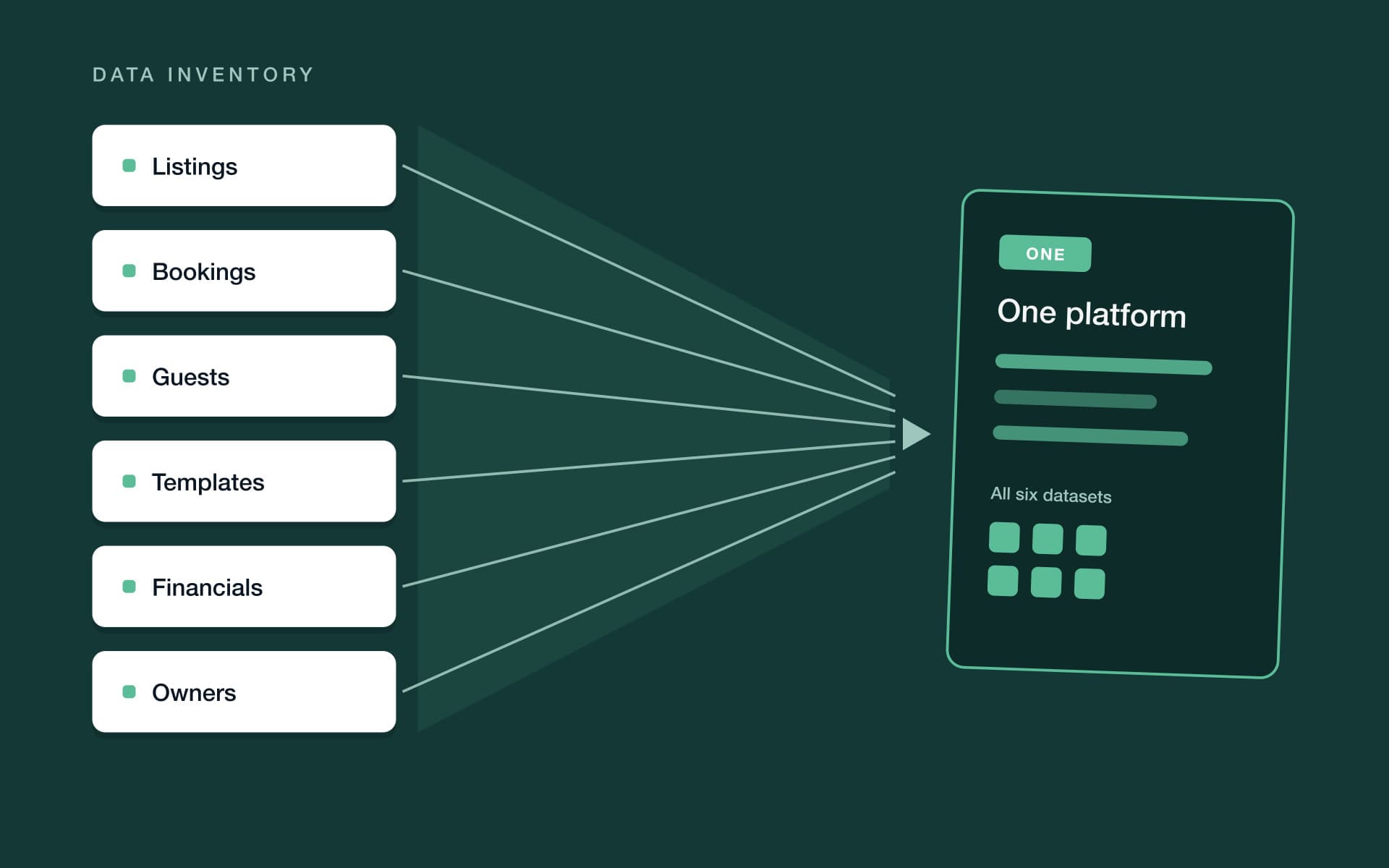
Two things become obvious once the inventory exists. First, not everything deserves to move: years of stale guest records, automations nobody remembers building, templates for properties you no longer manage. A migration is the best housecleaning trigger you'll ever get — import what's alive, archive what isn't. Second, a surprising amount of what you're afraid to lose was never in the PMS to begin with. Your listings, their photos and their reviews live on Airbnb, Booking.com and Vrbo; the platform just synchronizes with them. That distinction does a lot of quiet work later, at handover time.
When should you schedule the cutover?
The migration window matters almost as much as the migration sequence. Three timing rules do most of the work.
Cut over in low season. Pick the quietest stretch on your own calendar, whatever that means in your market. Fewer arrivals means fewer live variables while you're mid-move, and a team with attention to spare. A migration attempted in your busiest month turns every check-in into an unplanned test.
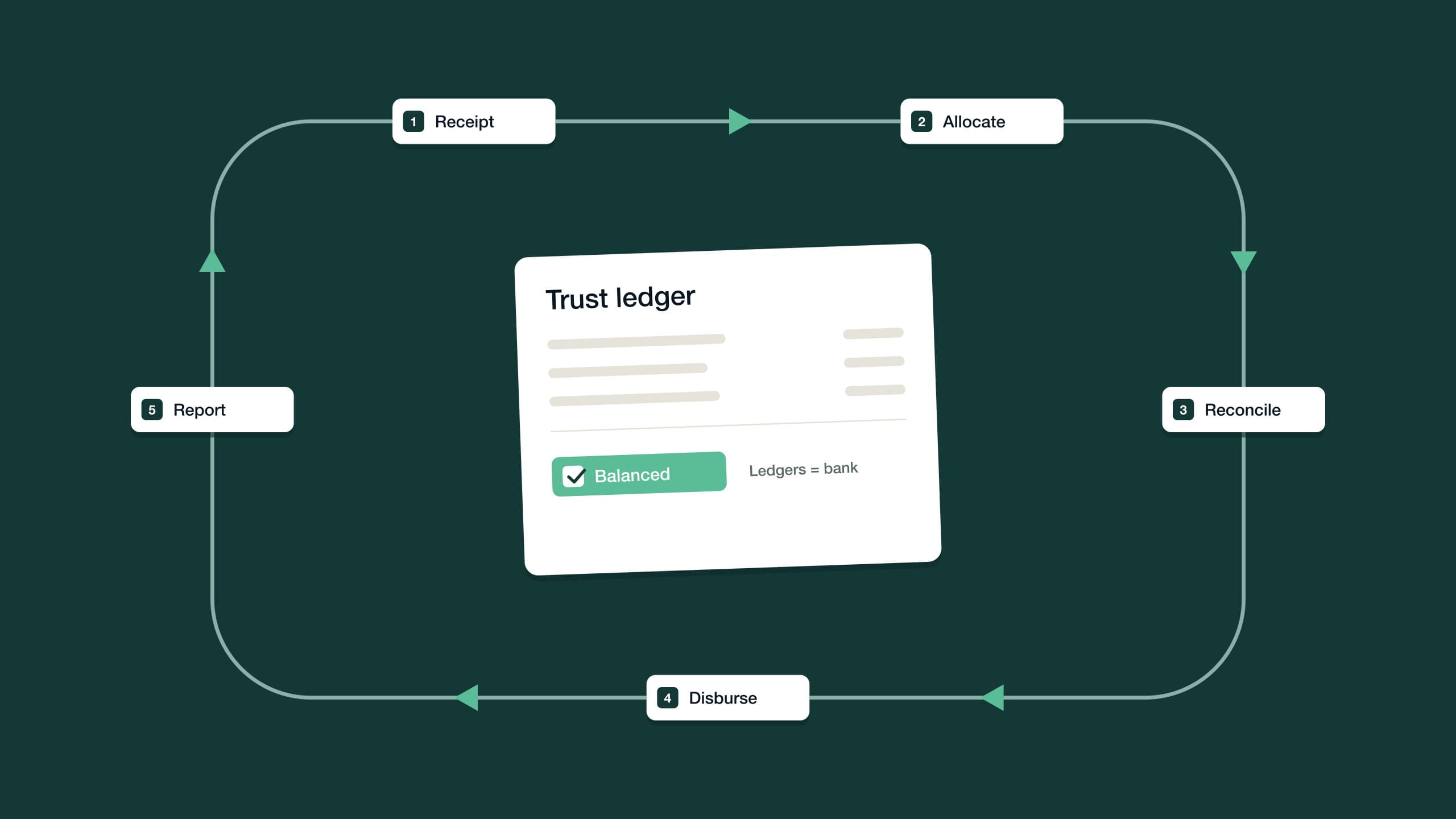
Align the cutover to a month-end close. This is the rule operators most often learn the hard way. If you manage on behalf of owners and hold client money, a mid-month cutover splits one accounting period across two systems: receipts recorded in the old platform, disbursements paid from the new one, and a reconciliation neither side can complete on its own. Close the month in the old system, run the final owner statements, disburse — then start the new system on day one of a fresh period, with opening balances that tie to a closed statement. If trust books are newer territory for you, trust accounting for short-term rentals explains why those balances have to be provable rather than approximate.
Avoid peak changeover days. Even inside a quiet season, don't schedule the switch across your heaviest turnover days — the Saturdays when half the portfolio flips. Pick a midweek lull, when the fewest guests are arriving, departing or asking questions, so the moment of handover carries as little live traffic as possible.
One final timing habit: declare a change freeze for cutover week. No new rate strategies, no template rewrites, no listing overhauls — nothing that changes the data while it's being moved. Every edit made mid-migration is a discrepancy you'll later have to explain, and the point of the dry run is to compare two systems that are supposed to match. Freeze first, migrate, verify, then resume improving things on the new platform.
The PMS migration checklist: six steps to a clean cutover
Every safe migration is the same project with the same shape: get the data out, build the new system alongside the old one, move the connections carefully, verify before trusting, then shut the old system down in an orderly way. Here is that shape as a sequence.
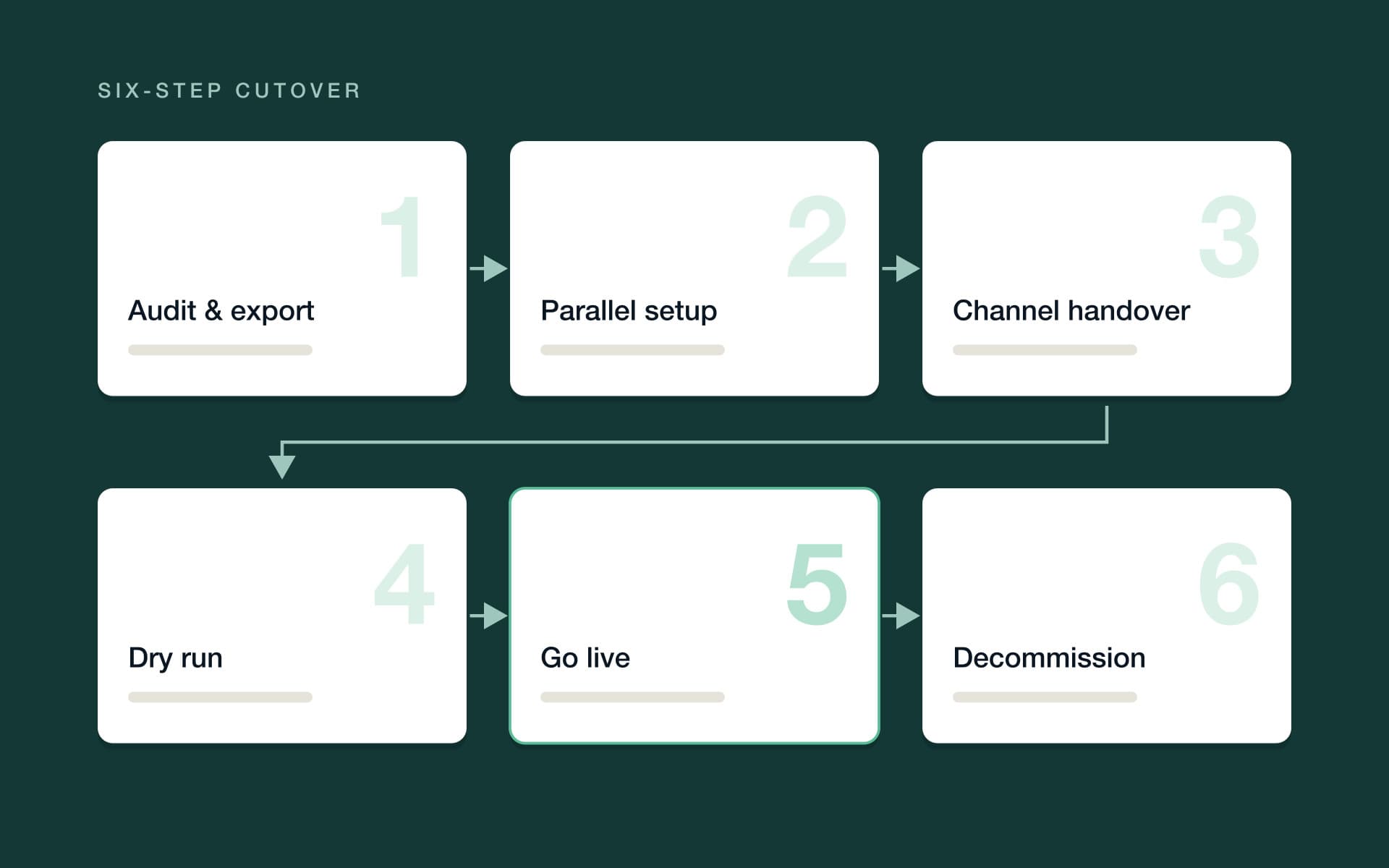
1. Audit and export your data
Work through the inventory table above and export everything — including the data you don't plan to import, because the archive is your safety net. Check which formats the old platform exports and which the new one accepts, and reconcile the gap before you're mid-move. Screenshot the things exports never capture: automation logic, fee settings, channel-specific rules. And name one person as the owner of the migration end to end — a cutover run by committee is how steps get skipped.
2. Set up the new platform in parallel
Build the new system while the old one keeps running the business. Properties, rates, users, owner accounts and templates first, then the data import — ideally in reviewable batches rather than one big bang. Resist recreating your old configuration screen for screen: rebuild automations from what you want to happen, not from how the old platform happened to express it. Parallel setup is what makes the whole sequence low-drama, because nothing is live until you say so.
3. Hand over channel connections without double-bookings
This is the step people fear most, and the mechanics are simpler than the fear. A listing on a channel takes availability and pricing instructions from one connected system at a time. The handover is therefore a swap, done listing by listing: confirm the new platform's calendar for that listing is complete and correct, disconnect the old platform's sync, connect the new one, and check that availability and rates pushed through before touching the next listing.
The genuinely risky window is the gap between disconnect and reconnect, when no system is steering. Keep it short, schedule it for a quiet hour, and — if you want a belt-and-suspenders option — manually block any at-risk dates on the channel itself until the new connection is confirmed. From there, a channel manager that keeps Airbnb, Booking.com and Vrbo in sync takes over, pushing rates, rules and availability from the new calendar in real time.
Sequence, not speed, is what makes a migration safe. The old platform stays on until the new one has proven itself.
4. Run a dry-run period
With connections live, resist the urge to declare victory. Spend a deliberate verification period treating the new system as unproven. Compare every future booking against the old system's export — dates, rates, balances owing. Send yourself a test message from every template and check the merge fields render. Walk one real upcoming reservation end to end: confirmation, pre-arrival message, payment, check-in instructions. Reconcile the opening trust balances against the final closed statements from the old platform, owner by owner. And if your portfolio is large, dry-run a pilot batch of properties first, then migrate the rest once the batch behaves.
5. Go live and monitor the first week
Go-live is less a flipped switch than a promotion: the new platform stops being on probation. Turn automations on progressively rather than all at once, and watch the firsts — the first arrival, the first scheduled message that fires, the first payment collected, the first review request. Keep a short daily checklist for the first week, and ask the whole team to report anything that looks off, however small. Small and early is exactly when you want to catch it.
6. Decommission and archive
Don't cancel the old subscription the day you go live. Keep it — read-only, if the platform offers it — through at least one full month-end close on the new system, because that first close is when historical questions surface. Then take final archive exports of everything, store them somewhere you control, write down where that is, and cancel. The migration isn't finished when the new system works; it's finished when you no longer need the old one to answer questions.
What should you tell owners and your team?
Owners hear about the move from you, before it happens — never via a new portal login appearing unannounced in their inbox. Tell them what changes (the software, the portal, the look of the statement), what doesn't (how their money is handled, when they get paid), and why you're moving, in one concrete sentence about better service. Time the announcement to the cutover month, and plan to walk owners through the first new-look statement — that's where the questions concentrate.
Your team needs retraining, not a memo. Years of muscle memory live in the old platform — where things are, which quirks to route around — and the fastest way to rebuild it is to run the team inside the new system during the dry-run period, each person verifying the workflow they own. The colleague who built the old workarounds is your best tester: they know exactly where the process actually bends.
Guests shouldn't notice the migration at all — that's the standard to hold the cutover to. Contractors and cleaners may see a new portal or new task notifications, so invite them before go-live; the first real job shouldn't also be their first login.
What you don't lose when you switch
The fear list is longer than the loss list. Channel reviews stay on the channels they were left on — your reviews belong to your listing on Airbnb, Booking.com or Vrbo, not to whichever software happened to be connected when guests wrote them. The listings themselves, their photos and their performance history stay put for the same reason. Your direct-booking domain moves with you. And your guest relationships live in the history you exported in step one.
Be honest about the shorter list of real losses, though. Old in-platform message threads often survive only in archive exports rather than as live, searchable history. Automations don't transfer — they get rebuilt, which in practice is a chance to rebuild them better. Historical reports may need to be recreated from the archive rather than clicked into. Each of these is manageable; none of them is a booking, a review or a dollar.
The post-migration verification checklist
Run this list before you call the migration done — every line, not a sample. It's the difference between believing the cutover worked and knowing it did.
- Every future booking in the new calendar matches the old system's export — dates, guests, rates and balances owing.
- Availability on each channel matches the new calendar, including minimum stays and manual date blocks.
- Every message template sends correctly with merge fields populated — tested on yourself, not a guest.
- Automated messages fire at the right trigger times for a real upcoming stay.
- Opening trust balances tie to the final closed statements from the old system, owner by owner.
- The first payment collected in the new system lands and is receipted against the right booking.
- Owner portal logins work, and statements show the correct opening position.
- Each team member can complete their core daily workflow without opening the old system.
- Final archive exports exist, live somewhere you control, and someone has written down where.
How migrations work with PropertyStack
PropertyStack, an agentic property management platform for short-term rentals, treats switching as a service rather than a project you're left to run alone. Migration is done for you — from Guesty, Hostaway or another tool: listings, bookings, guests and history are brought across. The sequence in this article still applies; the difference is that the exporting, mapping and importing are handled for you rather than by you.
Onboarding is guided and hands-on, with the PropertyStack team doing the heavy lifting — and it's paced to your portfolio size rather than a fixed timetable, so the dry-run and verification stages get the attention they deserve. There's 24/7 support on the other side of the cutover, which matters most in exactly that first monitored week. And if you manage on behalf of owners, PropertyStack is built for property managers running portfolios for multiple owners, with trust accounting that's built to be reconciled and audit-ready to your jurisdiction's standard.
You don't have to guess how it fits — book a demo and see it against your own operation, with pricing that scales with what you use — a platform base per property, plus the AI agents you switch on, plus a share of the new revenue the AI generates for you. The safest migration is the one you've tested, and bringing your own scenarios to the demo means the testing can start before the switching does.
Frequently asked questions
The short version, for the questions operators ask most.
It depends on portfolio size and how clean your data is — and the sequence matters more than the speed. Close a month in the old system, import and verify in the new one, hand channels over one listing at a time, and go live at the start of a fresh period. Rushing verification is what creates the horror stories.
Your listings live on Airbnb itself, not in your management software. Changing platforms means disconnecting the old software's sync and connecting the new one — the listing, its photos and its performance history stay put. The careful part is sequencing the handover so both systems are not steering availability at once.
No. Channel reviews stay on the channels they were left on — they belong to your listing on Airbnb, Booking.com or Vrbo, not to the software you manage it with. Your rating and review history remain in place for future guests to see.
Yes — migration is done for you: listings, bookings, guests and history are brought across from your current platform. Onboarding is guided and hands-on, the PropertyStack team does the heavy lifting, and the process is paced to your portfolio size, with 24/7 support throughout.
Pricing scales with what you use — a platform base per property, plus the AI agents you switch on, plus a share of the new revenue the AI generates for you. Plans start at $50/month.
Still have questions?
Ask PropertyStack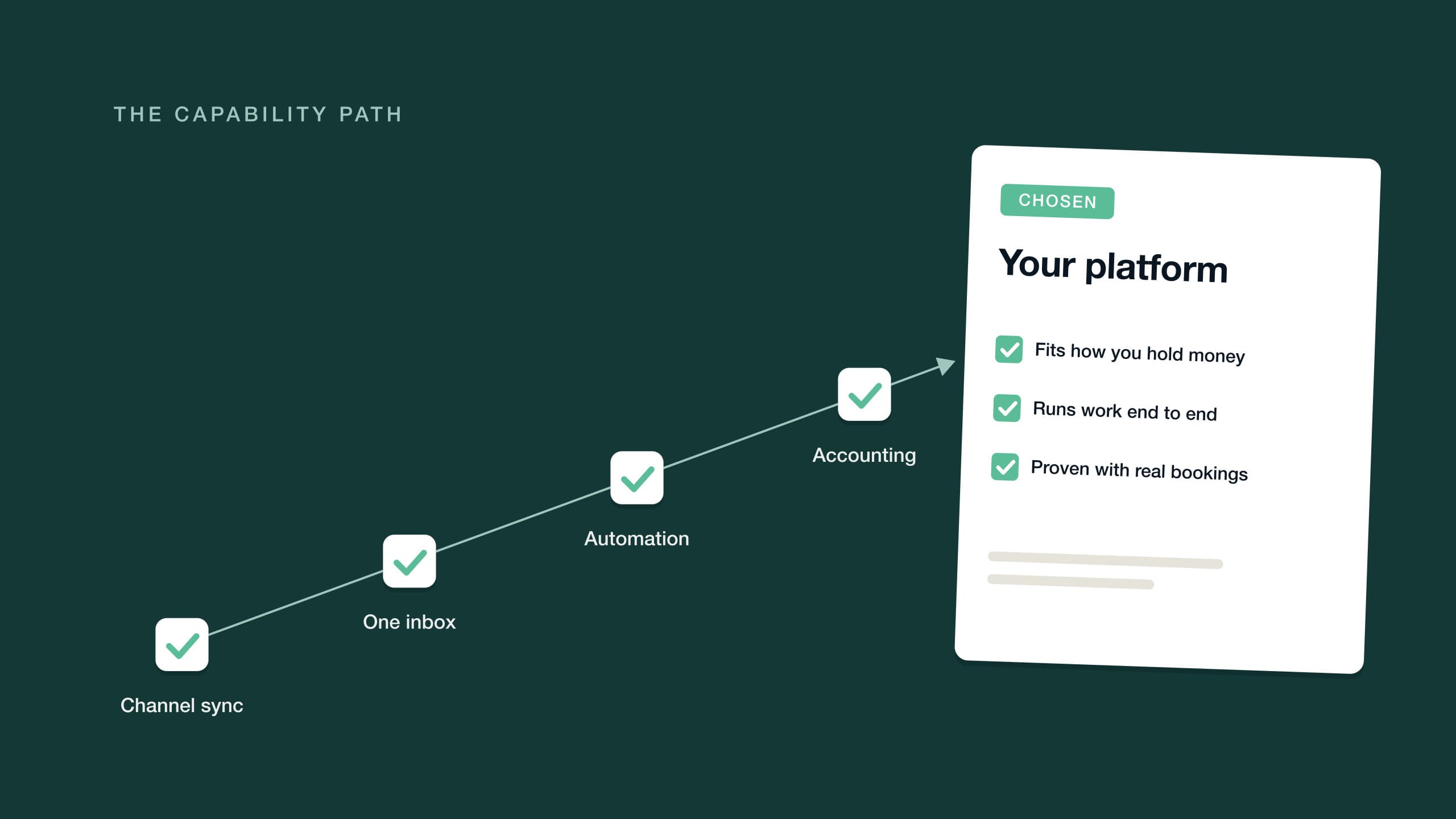

See it on your own listing. Free, from one link.
Paste an Airbnb listing and we'll show you what it could look like — a rewritten title, description, photos and a task list from your reviews.
- Syncs with every channel
- Cancel anytime
- AI agents with Pro