Features · Run the day-to-day
One calendar, every channel
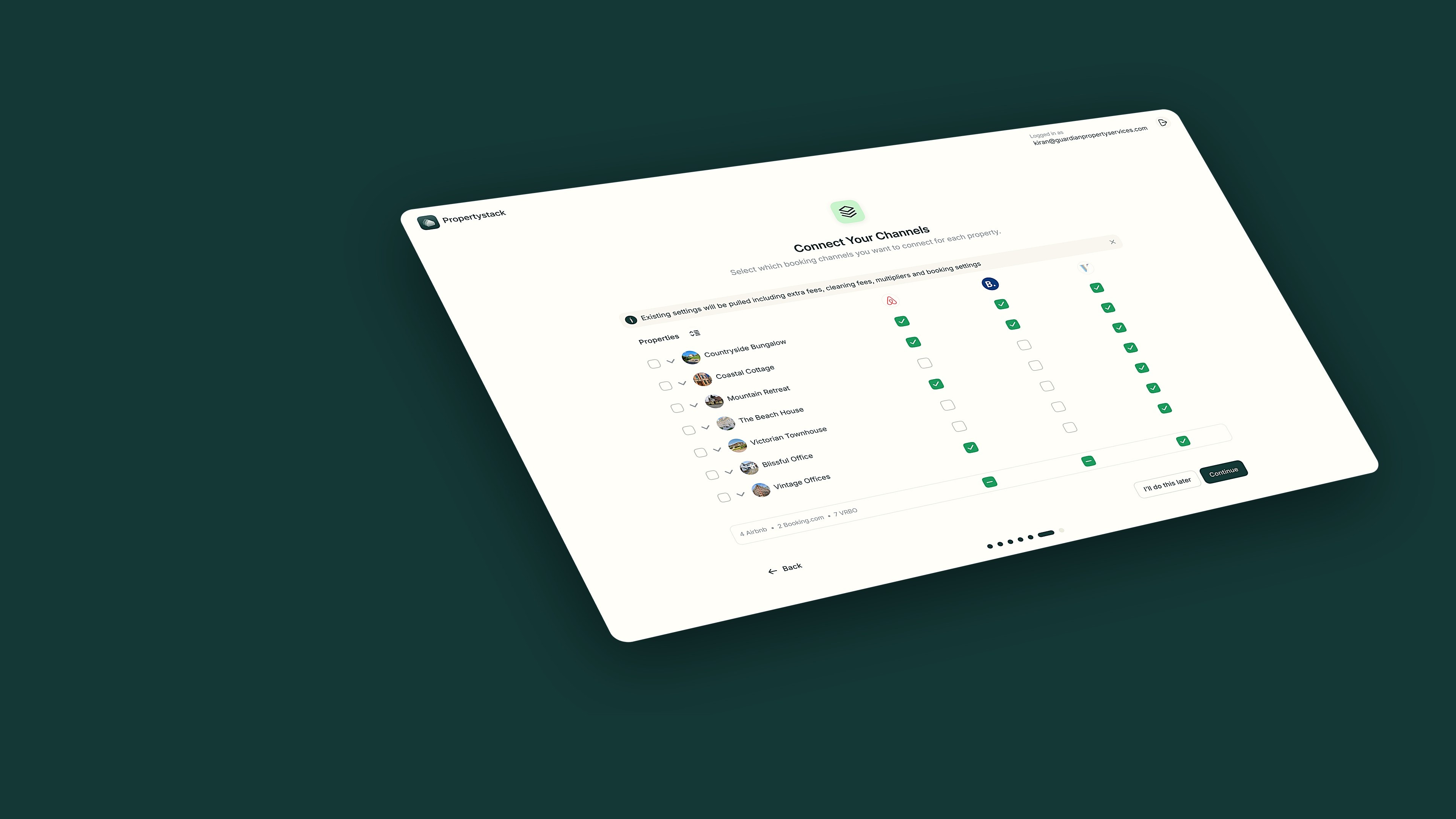
PropertyStack connects Airbnb, Booking.com and Vrbo to one calendar. Rates and availability stay in sync on every channel, with no double-bookings.
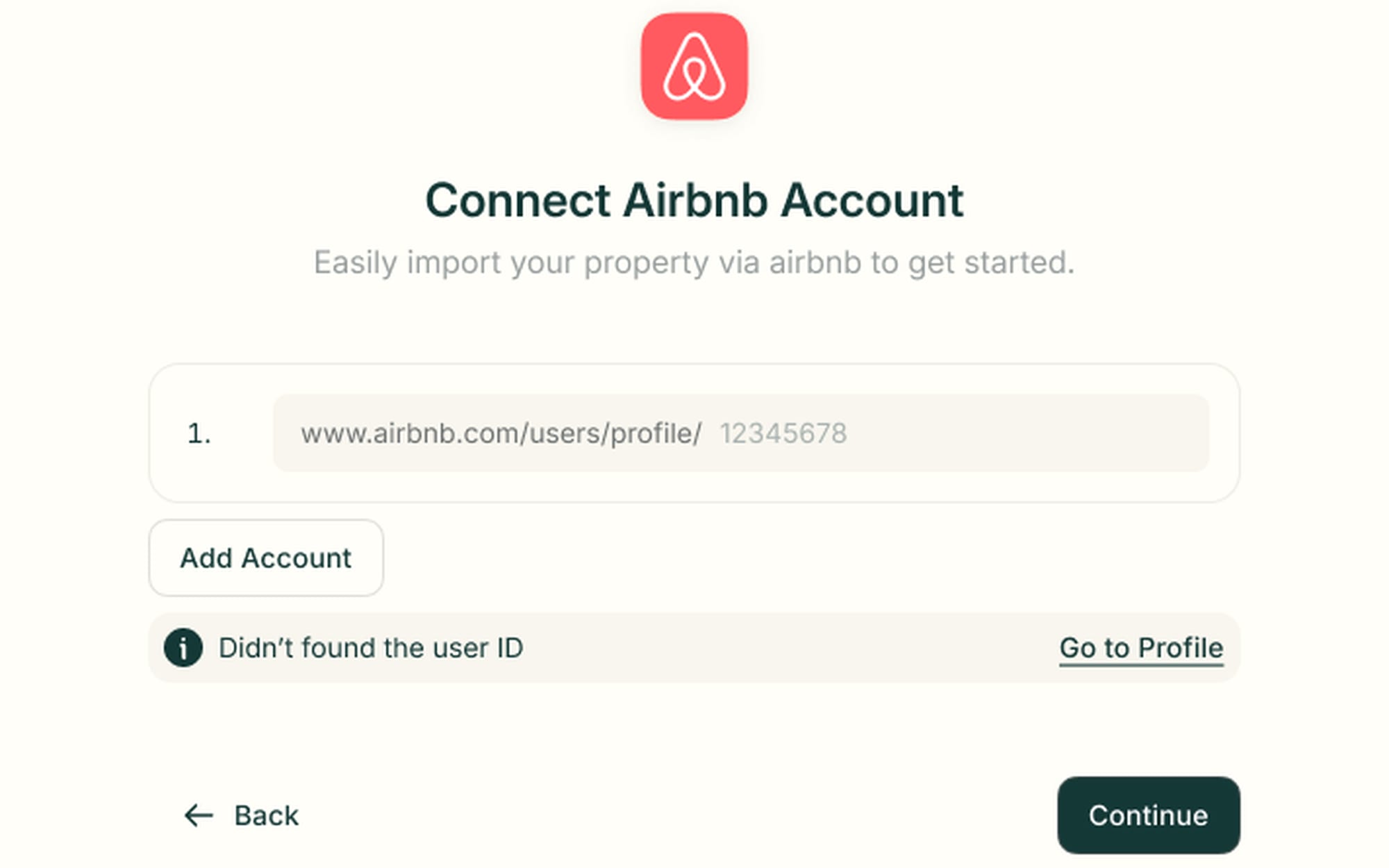
Connect a channel with one link
PropertyStack connects your Airbnb account from a single profile URL. Paste the link, click Add Account, and your listings are ready to import.
- One URL field, no setup forms
- A Go to Profile shortcut finds your user ID
- Booking.com and Vrbo connect too
What Channel Management does in a day


21 listings
Imported from Airbnb · linked to Booking.com and Vrbo
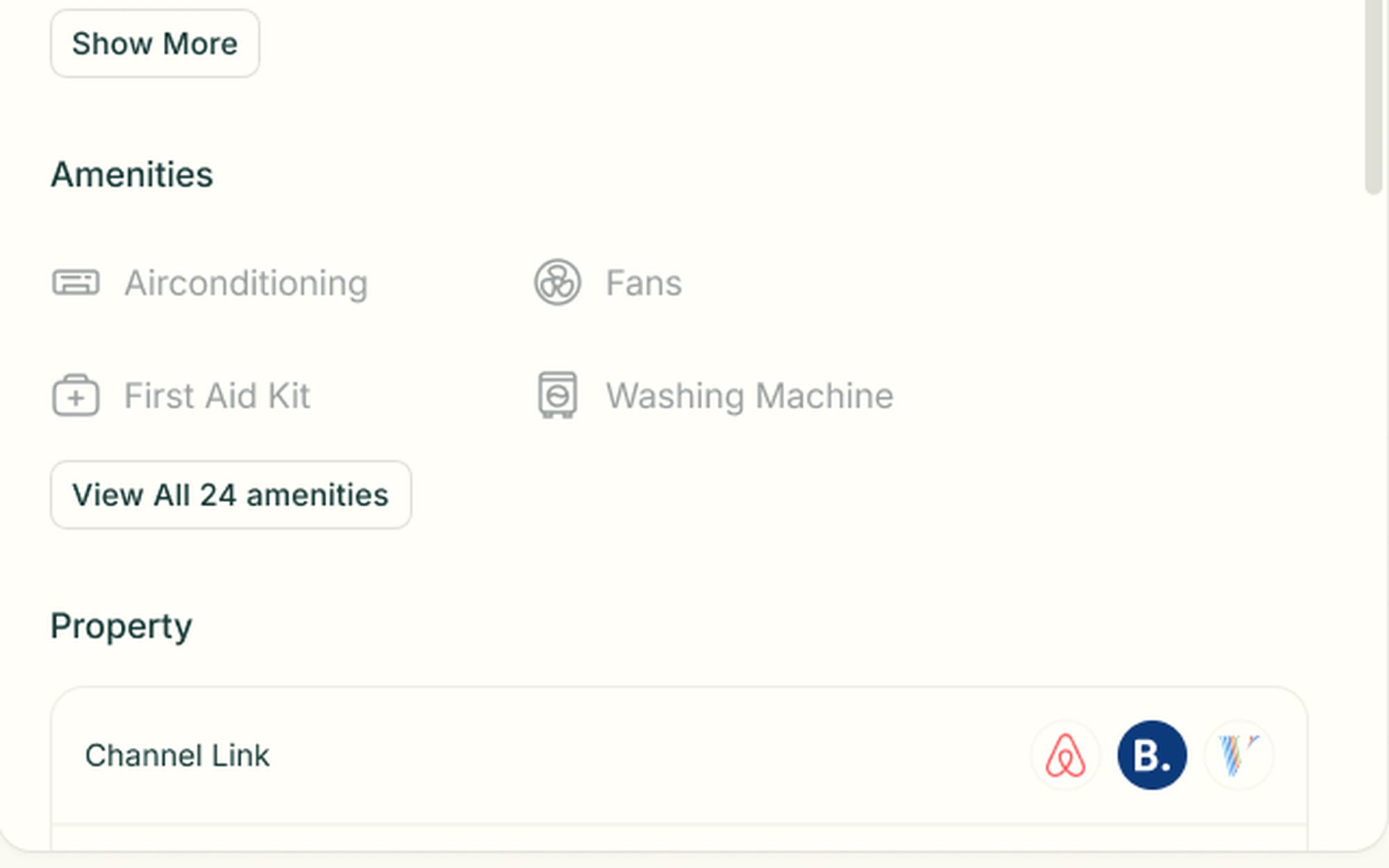
Every property shows its channel links
Every property record ends in a Channel Link row — the Airbnb, Booking.com and Vrbo listings it's connected to. You can check where a listing is live at a glance.
- Airbnb, Booking.com and Vrbo icons per property
- Imported amenities sit on the same record
- Channel sync is built in, not bolted on
Channel Management questions
Everything operators ask about Channel Management before switching.
Airbnb, Booking.com and Vrbo, plus your own direct-booking site — every booking lands on the same calendar and in the same inbox.
Yes. Availability settings are managed across Airbnb, Vrbo and Booking.com. Each channel carries its own commission rate settings — a commission percentage and a rate multiplier. You can also update cancellation policies per property.
Channel reviews stay on the channels they were left on. You can view and reply to Airbnb and Booking.com reviews from PropertyStack.
Yes — migration is done for you. Coming from Guesty, Hostaway or another tool, the PropertyStack team brings your listings, bookings, guests and history across. Onboarding is hands-on and paced to your portfolio size.
Still have questions?
Ask PropertyStackEvery channel, in perfect sync.
Paste an Airbnb listing and we'll show you what it could look like — a rewritten title, description, photos and a task list from your reviews.
- Syncs with every channel
- Cancel anytime
- AI agents with Pro