Features · Experience & platform
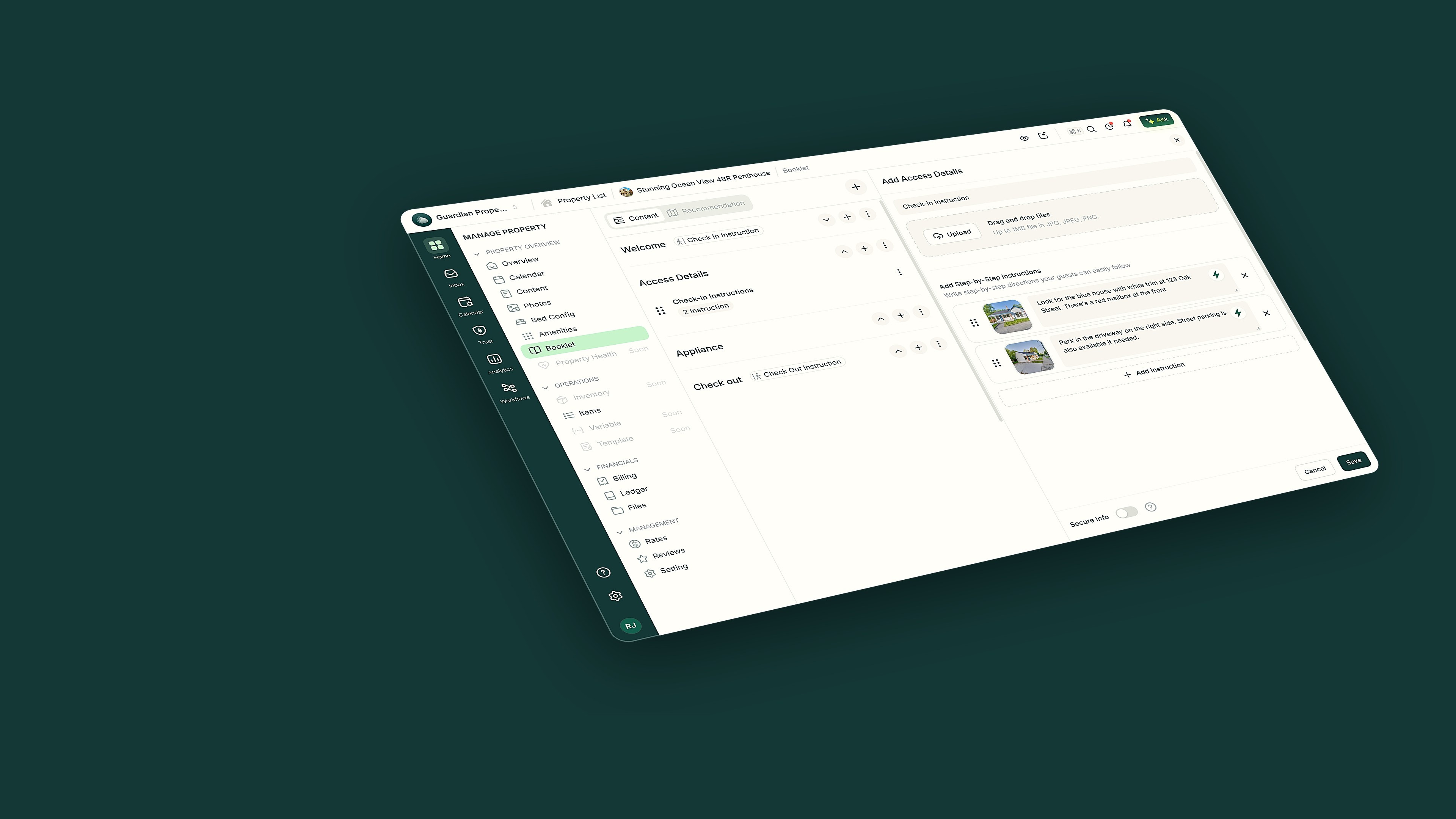
Keyless, automatic access
PropertyStack creates a door code for every booking, sends it to the guest automatically, and expires it at checkout.
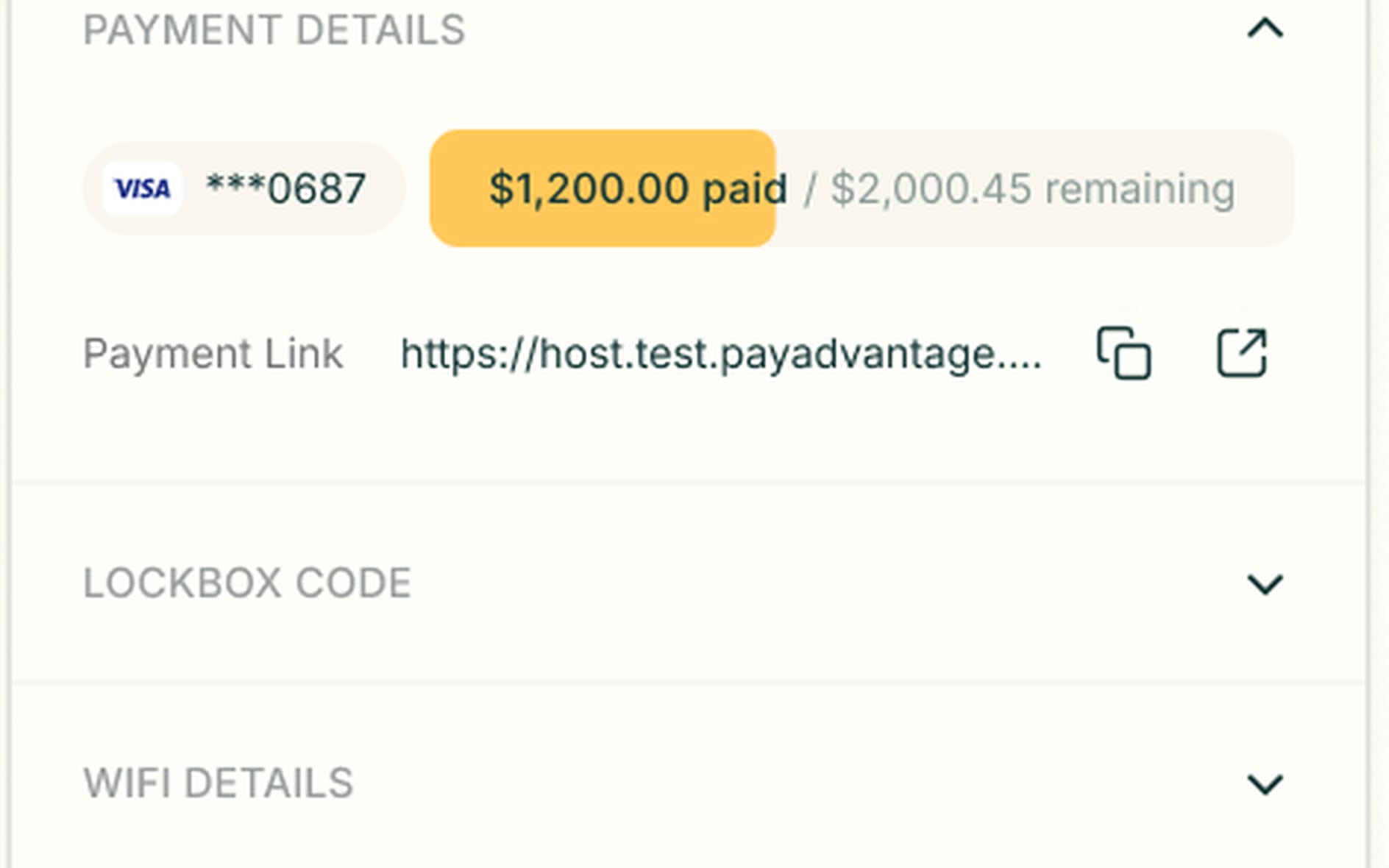
Every booking carries its own door code
Each reservation stores the guest's lockbox code beside their payment details and Wi-Fi. When a guest asks how to get in, the answer is already on the booking.
- A lockbox code section on every reservation
- Wi-Fi details and payment status in the same sidebar
- Built in, not bolted on
What Smart Locks do in a day
Booking confirmed — Léa, Friday

Generates a door code for the stay

Léa · Cozy Cabin
Code generated
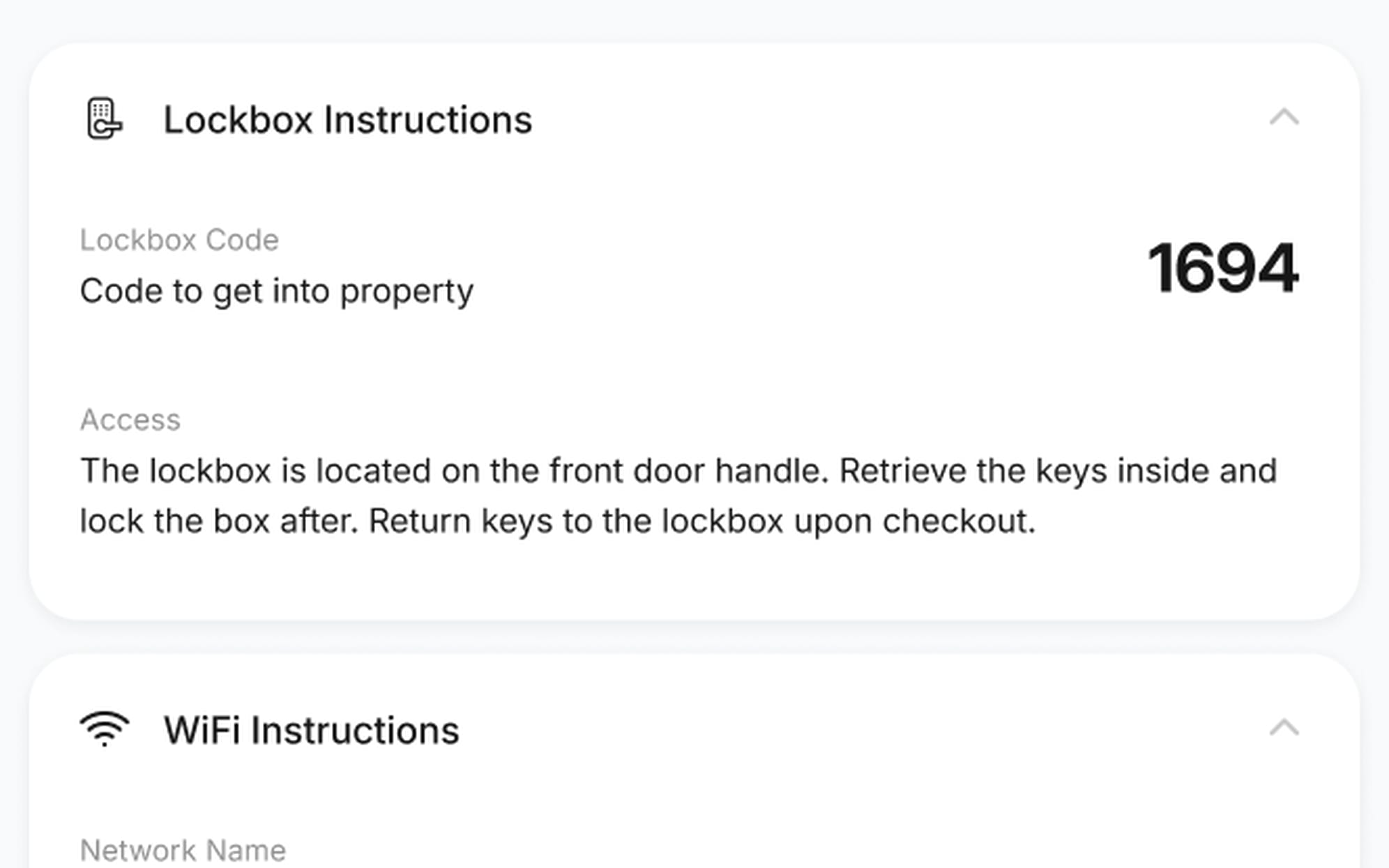
Guests see their code at check-in
The guest's check-in screen shows the lockbox code with plain steps for finding the box and returning the keys. Guests let themselves in without messaging you first.
- The door code in large type
- Plain steps for where the lockbox is
- Wi-Fi instructions on the same screen
Smart Locks questions
Everything operators ask about Smart Locks before switching.
Automatically. The code and access steps appear on the guest's check-in screen. A check-in workflow sends them to the guest, with guest messaging across SMS, WhatsApp, email and the AI phone line.
No. A simple lockbox works too. The code and step-by-step instructions live on the booking and on the guest's check-in screen. If you connect smart locks, guest door codes are generated automatically.
Your data in PropertyStack is encrypted. Access details can be marked secure info, hidden from the guest until their check-in time and only if the reservation is confirmed and paid.
Yes. Contractors see the property's access details on their jobs in the contractor portal, on desktop or mobile. Nobody has to text codes around.
Still have questions?
Ask PropertyStackEvery door, ready before the guest.
Paste an Airbnb listing and we'll show you what it could look like — a rewritten title, description, photos and a task list from your reviews.
- Syncs with every channel
- Cancel anytime
- AI agents with Pro